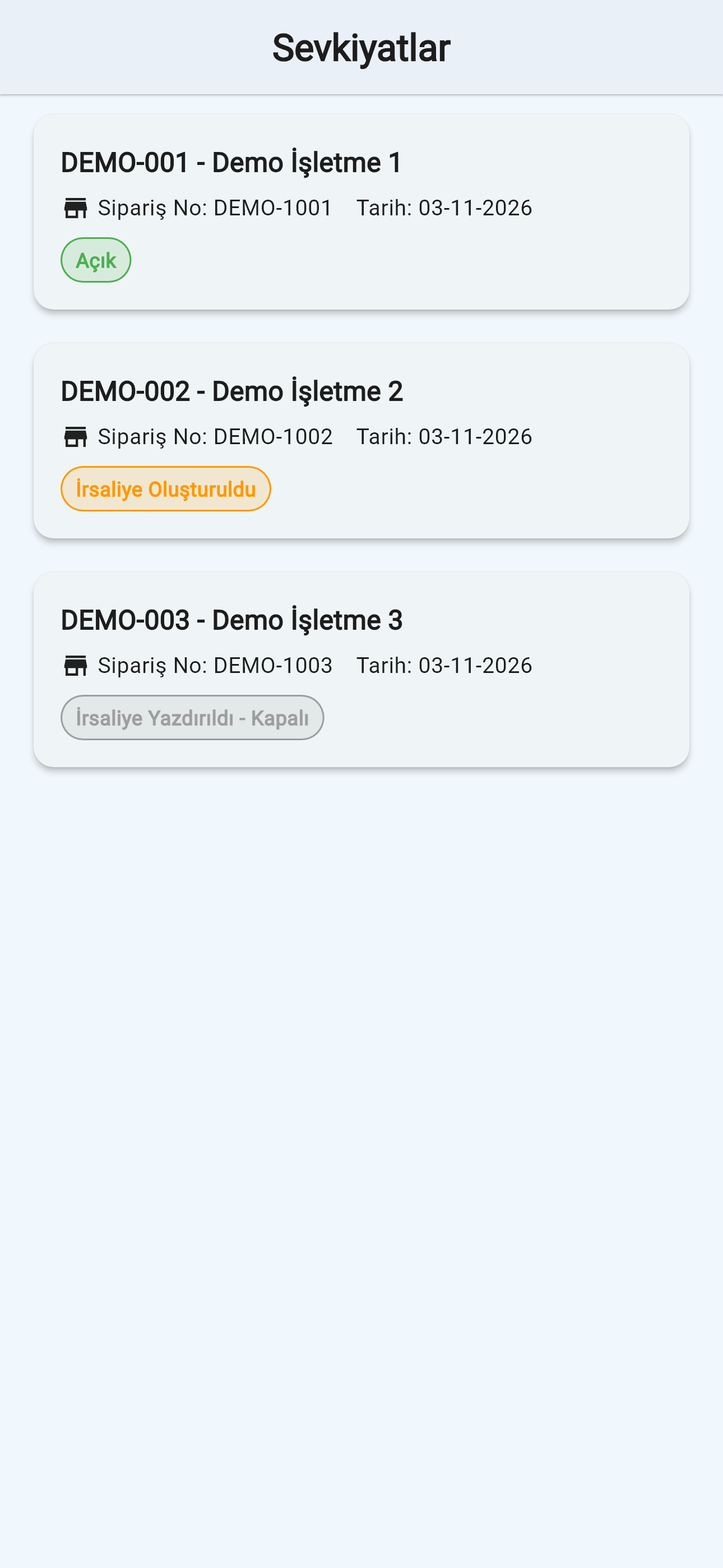
Orders and loading list
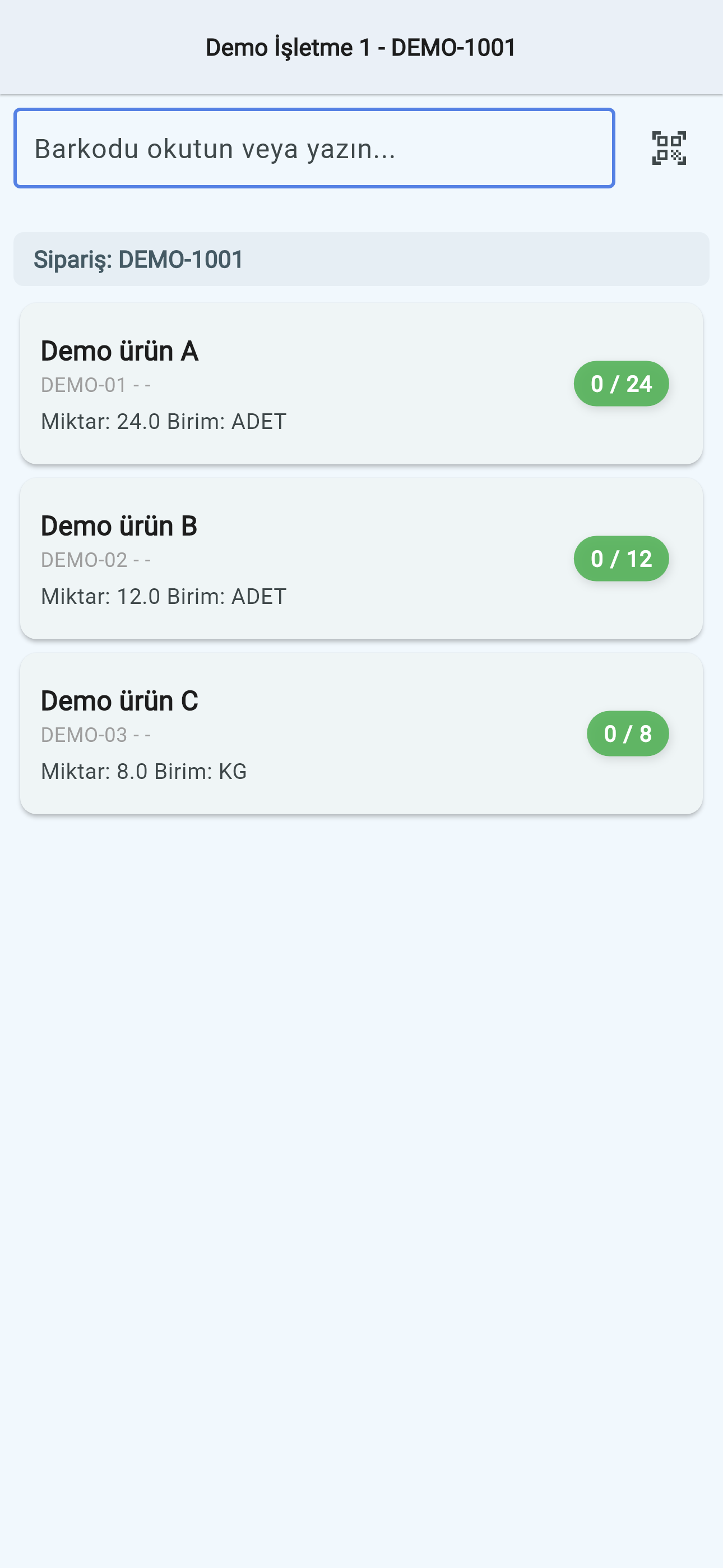
Approved orders with remaining quantities reach the device with route and warehouse information. The loading list shows which items and quantities to prepare. Users are matched to sales representative records in the ERP and work with orders for their own route.
From barcode to despatch note
Scan a barcode with the camera or enter the code manually. Customer-specific item codes are recognised too. Several orders can be combined on one despatch note, with its number taken from the template assigned to the user.
Printing on the handheld
On supported devices, the Sunmi printer produces a despatch note with a QR code. Before setup, we review barcode scanning and printing needs alongside the choice of device.
When the connection drops or a transfer fails
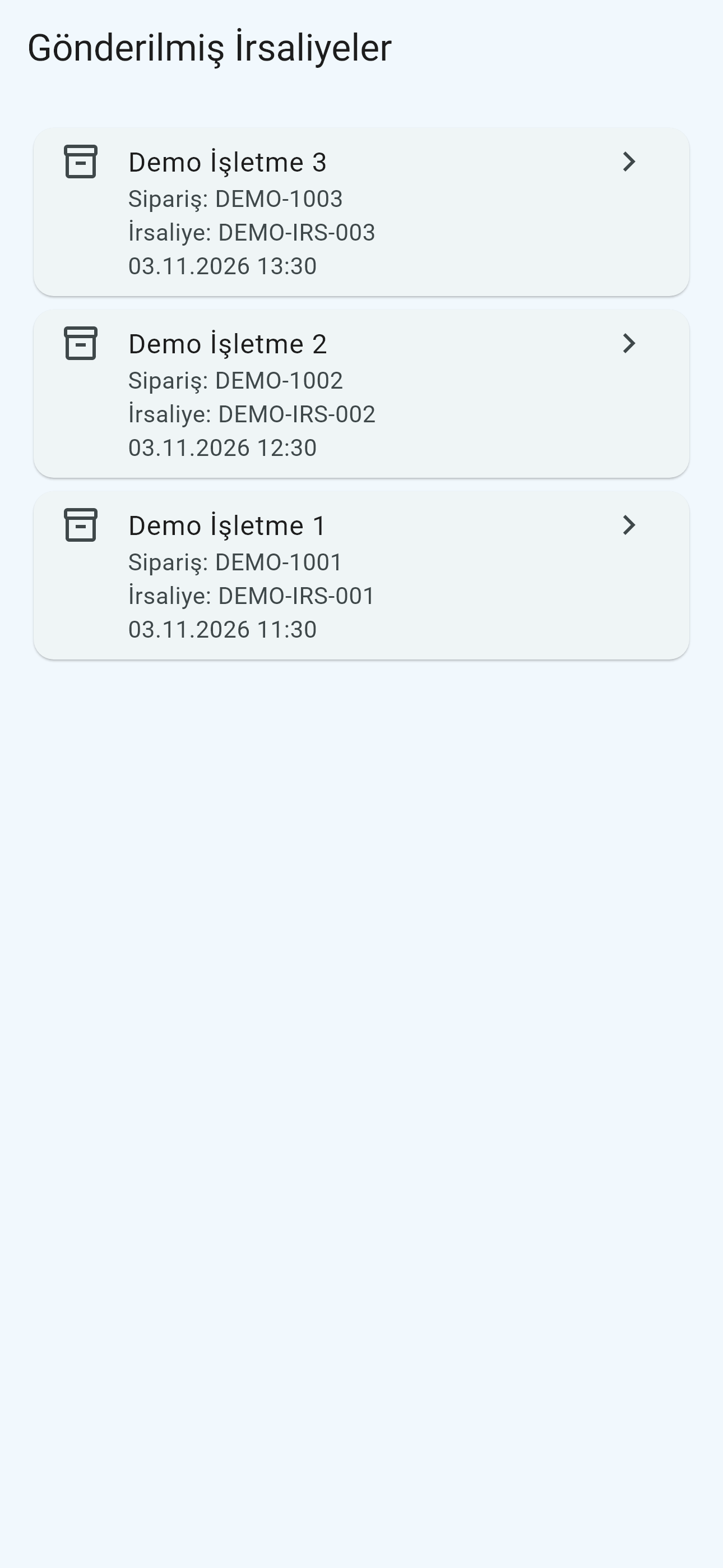
Order, customer and item data are cached on the device. An admin panel shows pending, sent and failed notes. Transfer errors are recorded with a description, and the service retries a limited number of times.
What we cover during setup
We prepare company and period settings, routes, warehouses, users and document numbering. Orders are read from the Logo database and sales despatch notes are written through Logo Objects. We check the ERP version, licence and devices at the start of the project.