Connections and transfer plans in one panel
We developed the web management panel together with the background transfer service. Companies, source and destination connections, and transfer plans are defined in the panel. Each module has its own transfer direction and run interval.
Matching fields and organisation records
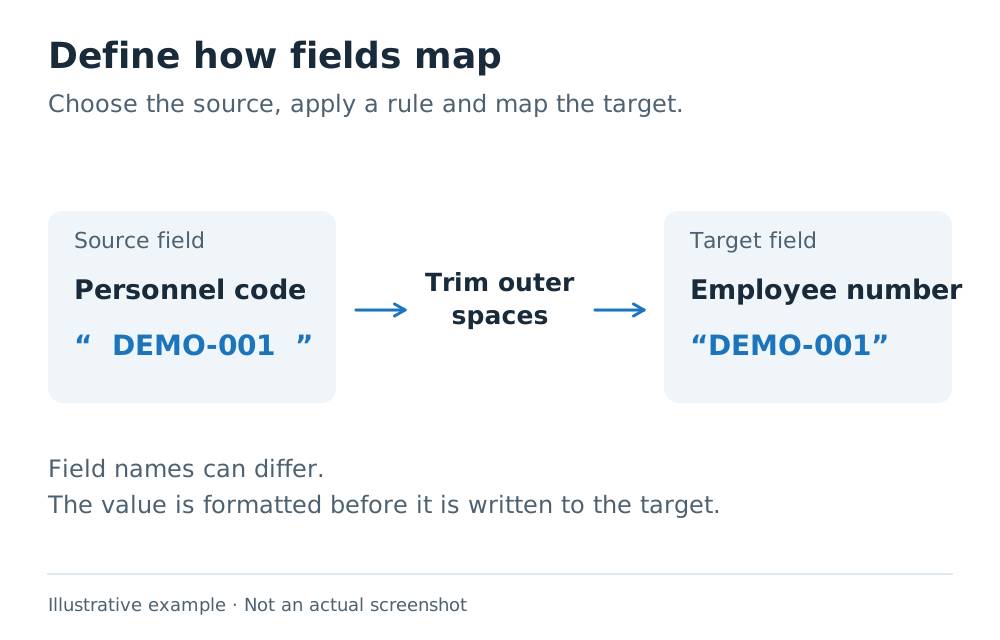
Source and destination fields are selected in the panel, with required fields protected. Mappings can include transformations such as trimming spaces, keeping only the digits in a phone number or supplying a default for an empty field.
Initial employee matching can use keys such as a staff number or email address. Organisation records, including branches, departments and job titles, can be matched by code or name.
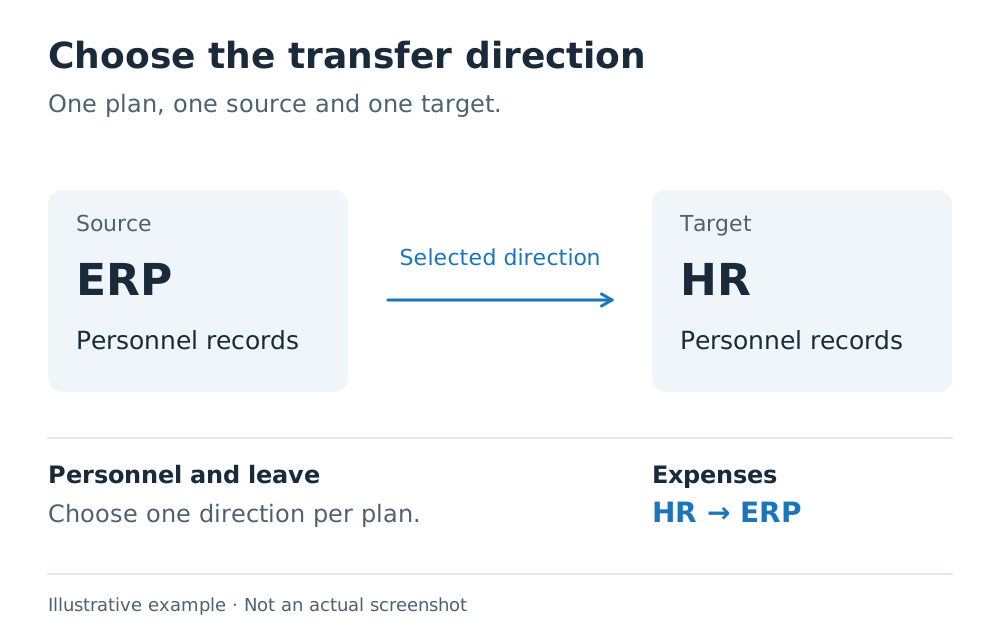
Choosing a direction for personnel and leave
The source application can be selected for personnel and leave transfers. The active plan for a company and module runs in one direction. Leave types have their own mappings; revisions and cancellations are tracked through records linked between the two systems.
Recording expenses in ERP
Expense transfers run from the HR application to ERP. Status filters and category, account and VAT mappings are defined in the plan. Depending on the selected flow, the application can create a debit note or a purchase invoice.
Preview before writing, record history afterwards
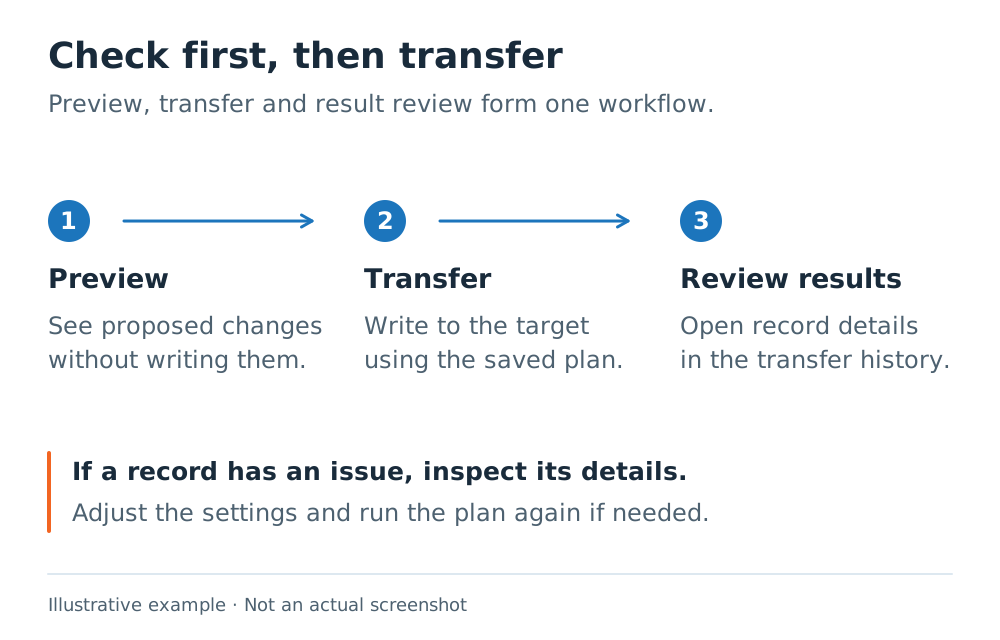
A plan can preview its actions before writing to the destination system. Plans can run at set intervals or be started manually. The operation history shows results and issues for each record. Leave and expense records also have retry tracking.
Installation and updates
The application was prepared for installation as a Windows service, with the management panel accessed through a browser. The update flow covers stopping the service, backing up local data, replacing application files and checking service health.
HR and personnel systems integration
We can review which systems need to exchange your personnel, leave or expense records and which mappings are required.
Explore integration services →